
Top 7 Graphic Design Best Software for 2026 for Designers
In recent years, artificial intelligence has become a standard feature in many design tools. As a result, designers need to find the graphic design best software for 2026 that combines AI with advanced features to maximize efficiency and creative output. Let’s take a closer look at reliable tools you can count on to improve your workflow.
Key Takeaways:
- The best graphic design software for 2026 prioritizes smart AI features, smooth collaboration, and flexible workflows over manual precision alone.
- Leading tools strike a balance between automation and creative control while supporting cross-platform use and real-time collaboration.
- There is no single best option for everyone, since each leading tool serves different needs, budgets, and design disciplines.
What Defines the Best Graphic Design Software in 2026?
Today, design software is no longer judged only by precise pixel control. What matters more is how effectively it uses smart automation and integrates into a connected workflow. Generative AI supports designers with features such as vector suggestions and intelligent upscaling, while keeping creative control in human hands.
To find the graphic design best software for 2026, cross-platform compatibility is also essential. This ensures smooth workflows across desktop, tablet, and web. In addition, real-time collaboration allows teams to edit and comment together from anywhere, reducing repetitive technical tasks.
Also Read: 8 Recommended Packaging Design Software in 2025 for Everyone
The Examples of Popular Graphic Design Software 2026
Below are some of the best graphic design tools of 2026, each designed to support different workflows, skill levels, and creative needs.
1. Adobe Illustrator 2026 (Version 30.0)
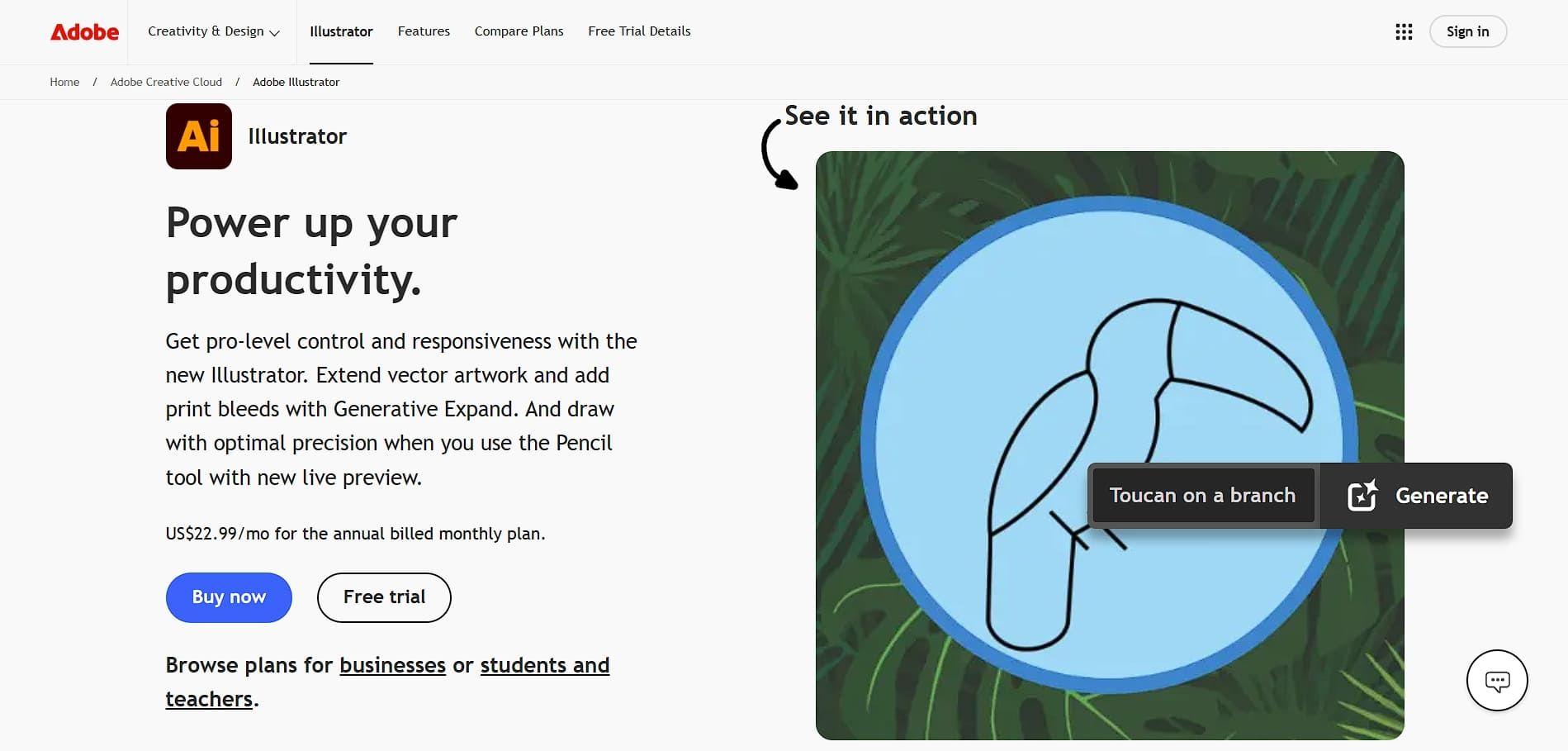
Even among many alternatives, Adobe Illustrator remains a trusted choice for vector design, and the 2026 update makes it more efficient with practical AI features. It can now suggest shapes and layouts based on your artwork, which helps designers work faster and stay focused.
- Best for: Logo design, typography, packaging, and complex vector illustration.
- Pricing: $22.99/month (Single App)
2. Adobe Photoshop 2026
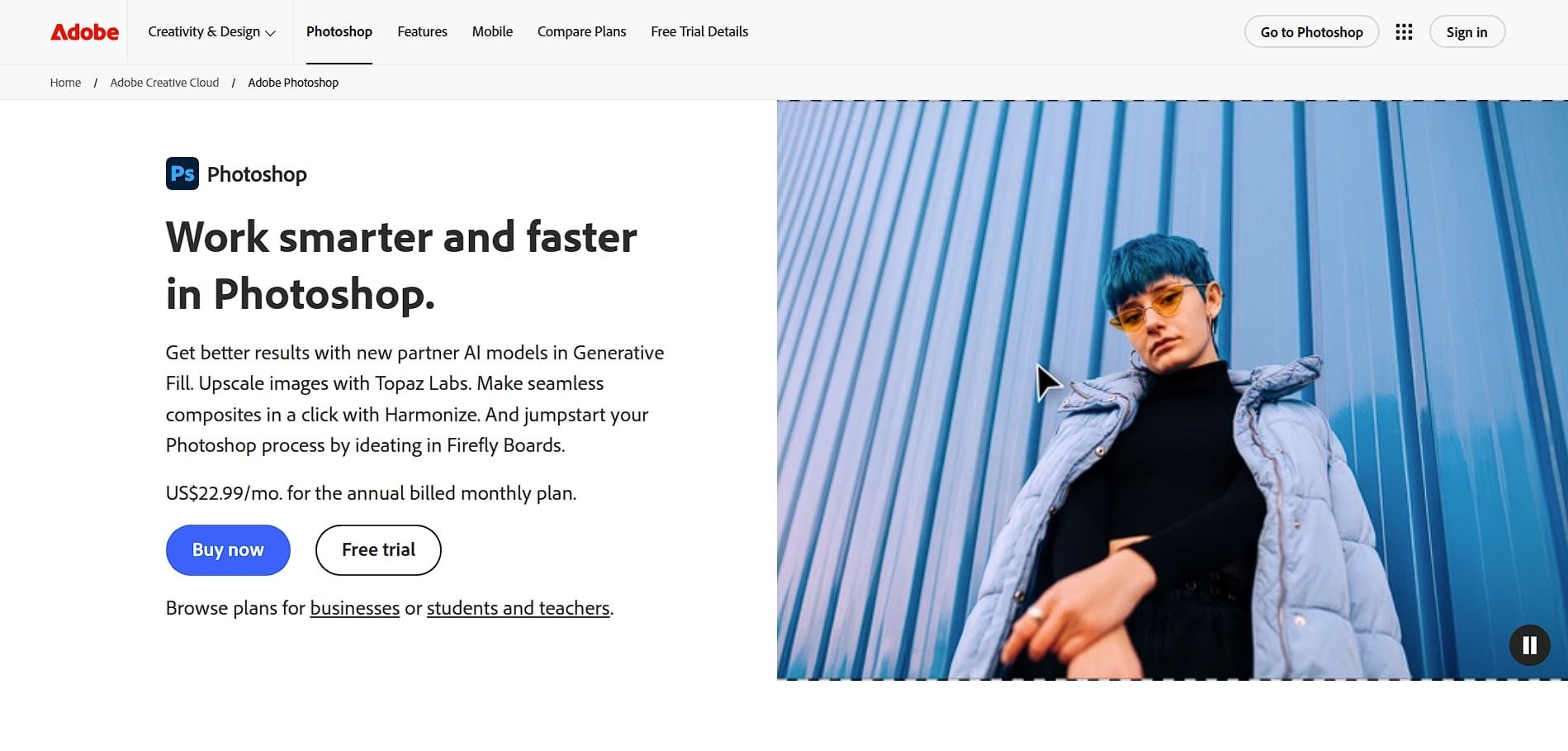
In Adobe Photoshop’s 2026 release, Generative Fill delivers sharper results and handles complex lighting with better accuracy. With the AI, designers can now expand canvases, remove unwanted elements, and build realistic visuals with greater control.
- Best for: Photo manipulation and high-end retouching.
- Pricing: $22.99/month (Photography Plan options available)
3. Figma
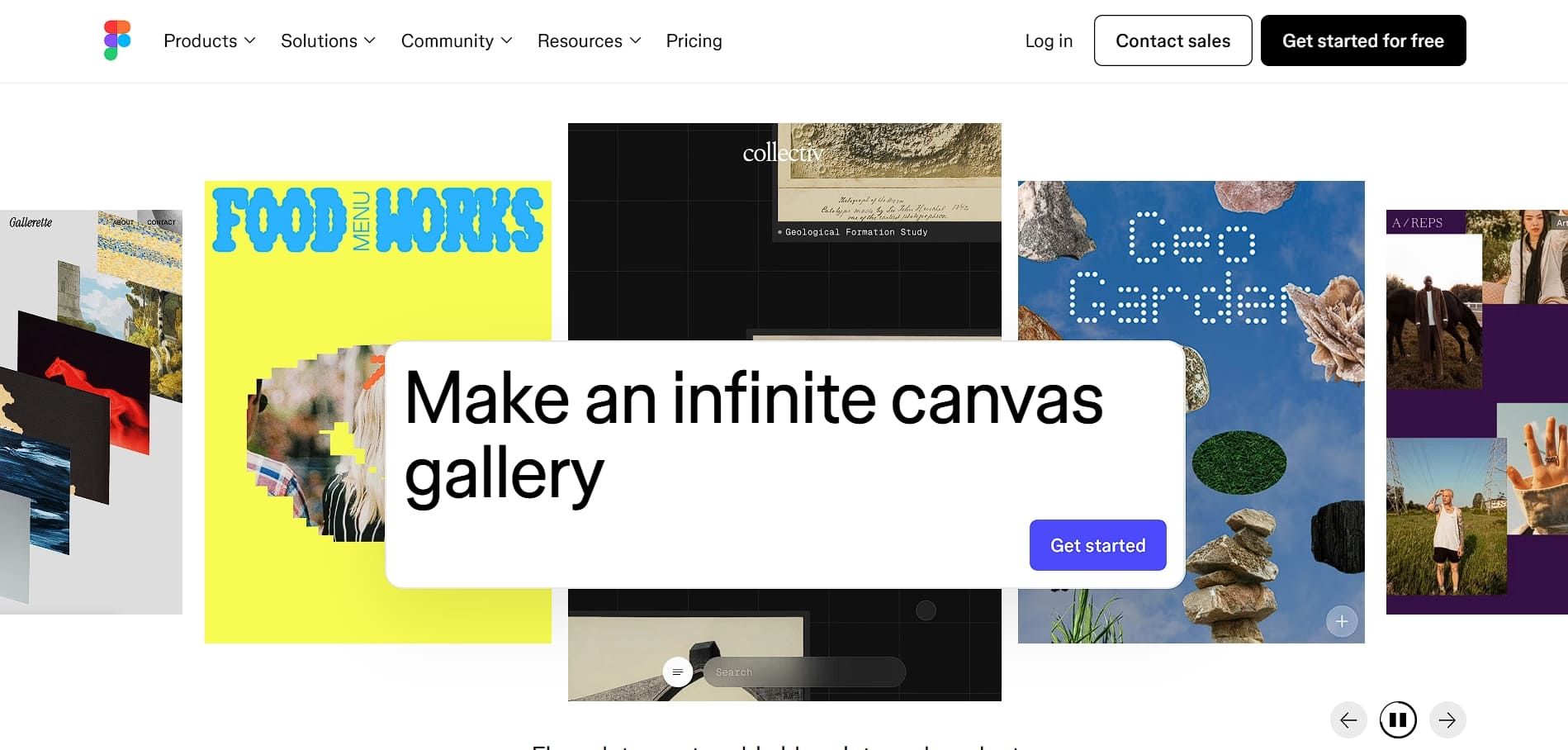
Figma has evolved beyond a UI and UX tool into a flexible graphic design platform for digital-first brands. Its recent updates have improved Dev Mode and prototyping, so designs can move more smoothly from visuals to code. Additionally, its large plugin ecosystem adds useful features, like spell checking and 3D elements.
- Best for: UI/UX design and collaborative team projects.
- Pricing: Free Starter plan; Professional plan at $15/editor/month for Dev seat
Also Read: 20 Top Fonts for Web to Improve Your Site’s Look and UX
4. Procreate
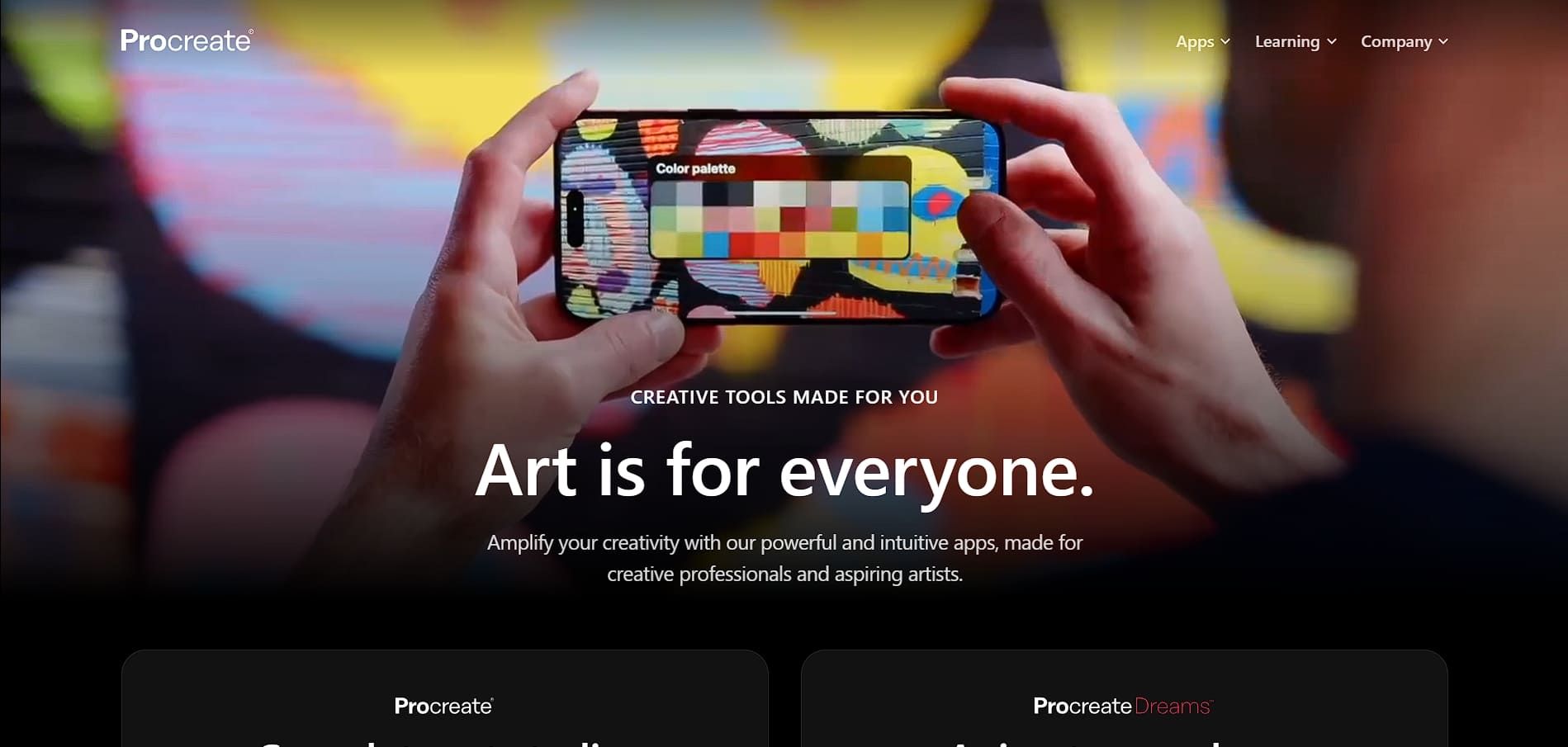
Procreate is a popular choice for iPad artists thanks to its simple interface. Noticeably, its 5.4 version is optimized for the latest iPad Air and Pro chips, so it stays smooth even on large, high-resolution canvases. Even better, the Valkyrie graphics engine supports advanced brushes and 3D painting tools that feel close to desktop software.
- Best for: Hand-lettering, digital illustration, and painting on iPad.
- Pricing: $12.99 (One-time purchase)
5. Affinity Designer 2
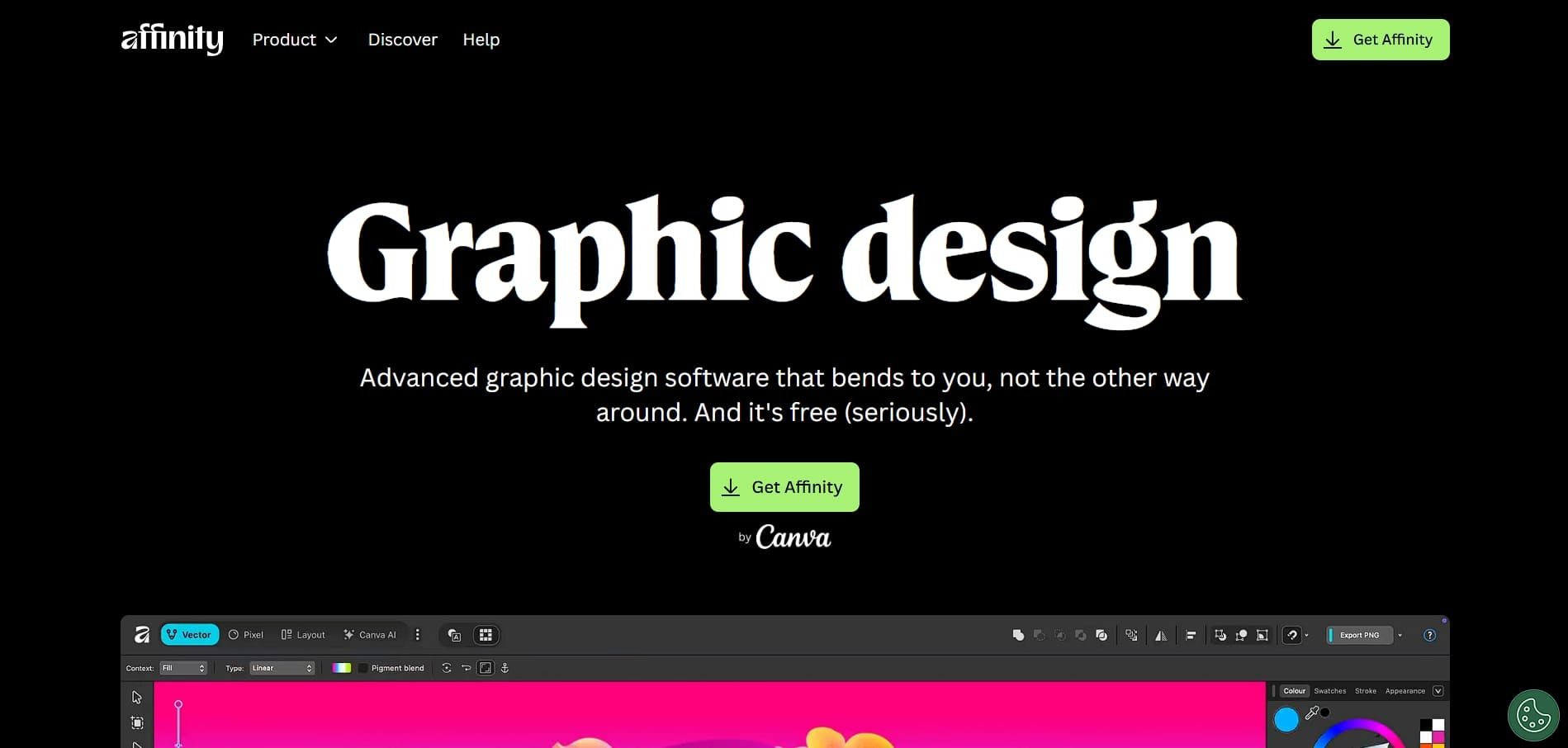
Affinity Designer 2 is a strong subscription-free alternative to Adobe, offered as a one-time purchase that suits budget-conscious professionals. It allows seamless switching between vector and raster workspaces within the same file, simplifying mixed-style design projects.
- Best for: Vector illustration and hybrid vector-raster projects.
- Pricing: Free
6. Canva
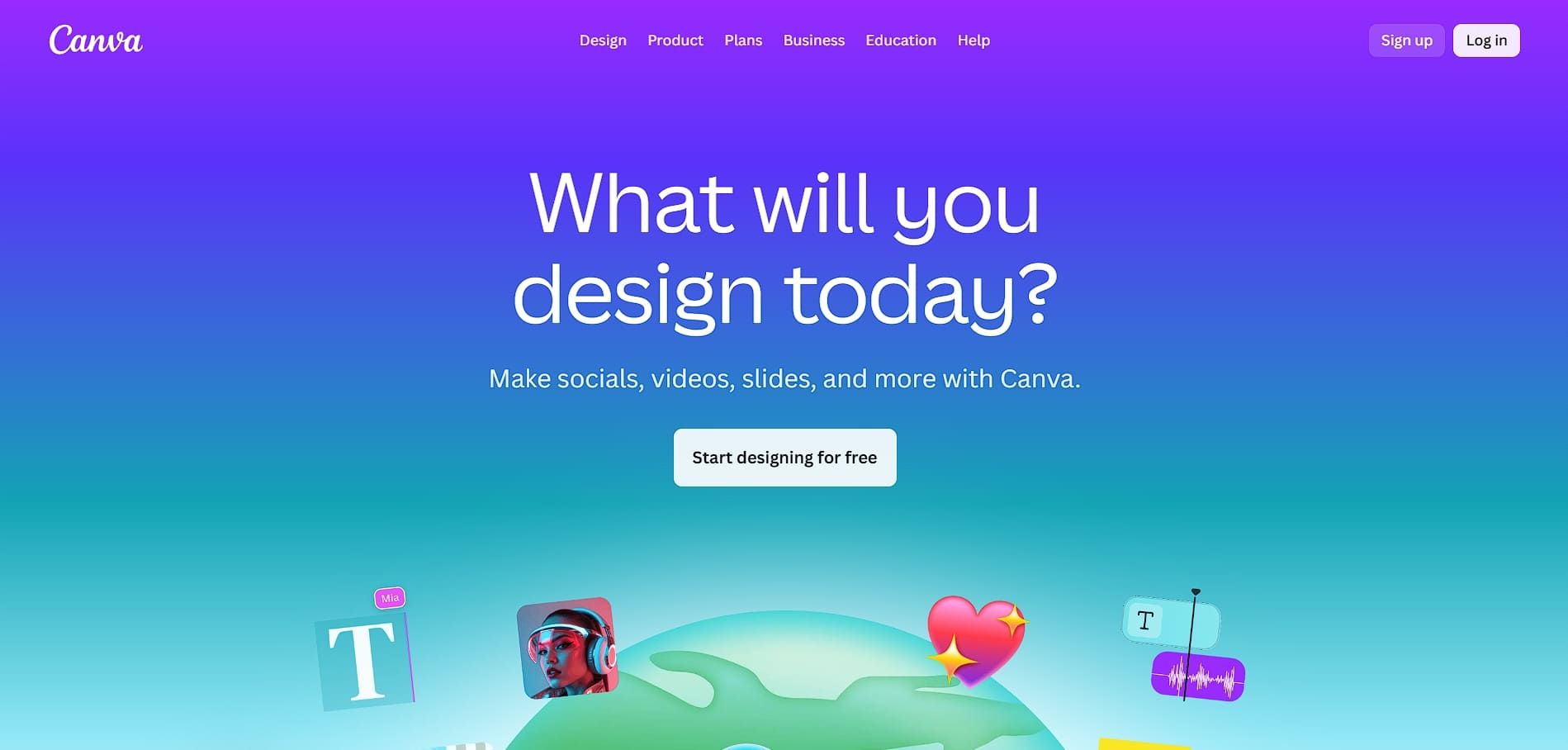
From its early beginnings, Canva has grown into a comprehensive visual platform for businesses and marketers. Recent updates to Magic Studio introduce AI features such as quick resizing, image generation, and brand checks, all designed to be accessible even for non-designers.
Its main advantage is the large asset library paired with a simple workflow, which makes social media content faster and easier to create.
- Best for: Social media content, presentations, and rapid marketing assets.
- Pricing: Free; Canva Pro at $7.50/month; Canva for Business at $10/person/month (complete with admin tools for teams)
Also Read: How to Create Easy Canva Invoice Template for Your Business
7. CorelDRAW Graphics Suite 2025
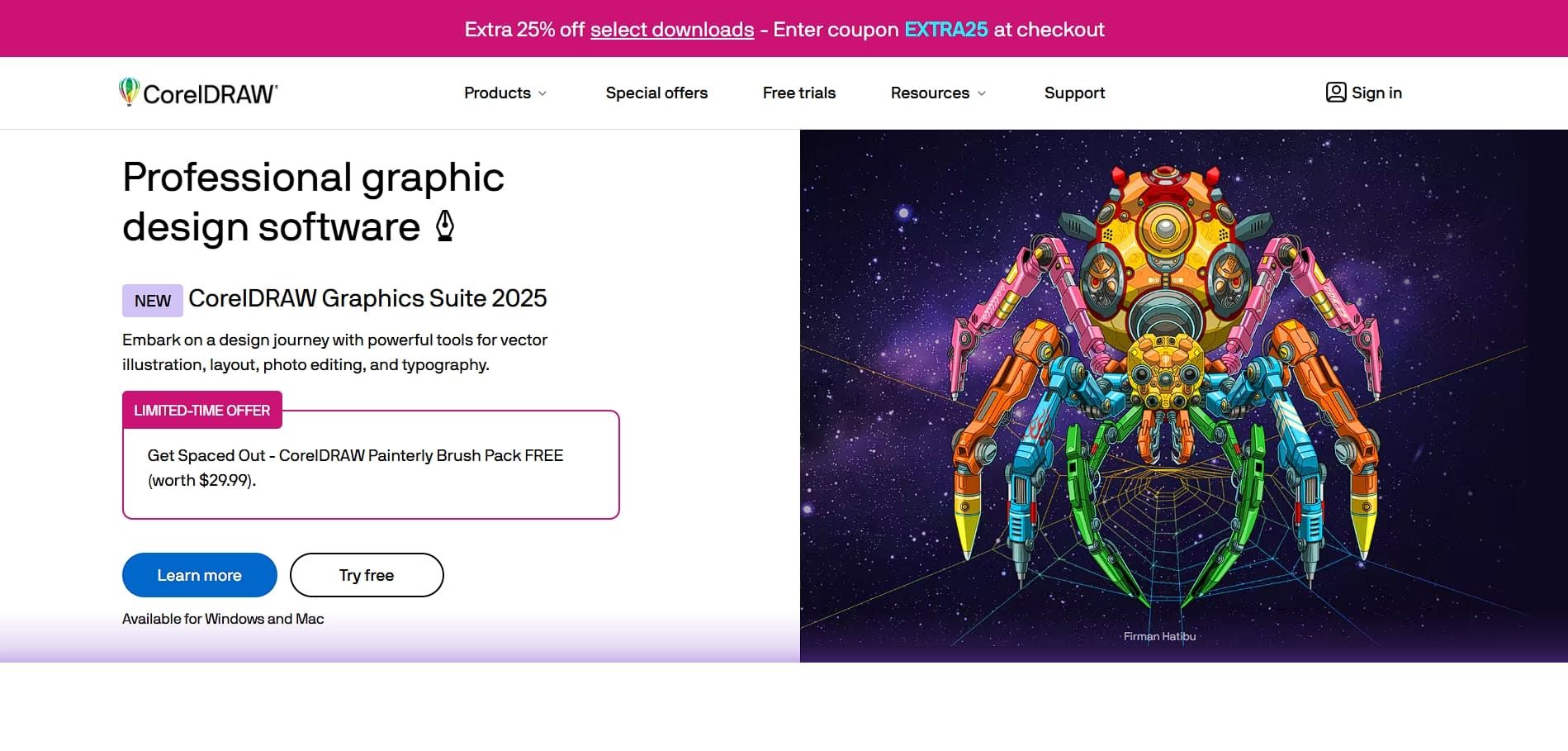
CorelDRAW is often considered the graphic design best software for 2026 by designers in the manufacturing and print industries, thanks to its precise tools and reliable file compatibility. The 2025 update improves vector controls and adds stronger collaboration features, making client feedback easier to manage.
Because of these strengths, CorelDRAW is widely used for large-format printing, apparel design, sign making, and engraving. Users can also choose between a subscription or a one-time license, offering more flexibility than many competing design tools.
- Best for: Print production and sign manufacturing.
- Pricing: $36.58/month (Annual Subscription) or $859 (One-time purchase)
Also Read: Top 10 Modern Typography Trends for Designers in 2025
Pick the Best Software for Maximizing Your Creative Output!
Choosing the right tool often comes down to how well it fits your workflow, budget, and creative goals. The graphic design best software for 2026 prioritizes speed, flexibility, and intelligent features that help designers work efficiently without compromising quality.
Even with powerful software, a strong visual identity still relies on thoughtful details. That is where professional font collections from HansCo Studio can help, enhancing brand consistency, elevating visual quality, and helping designers get more value from the tools they use every day.