
8 Recommended Packaging Design Software in 2025 for Everyone
If your business is looking to start producing physical products, having a reliable packaging design software is key. That’s why leading developers continue to create and improve tools that help brands design packaging efficiently and with professional quality. Check out this article to find out which options are best for your needs.
Key Takeaways:
- The right packaging design software helps businesses create professional, production-ready packaging with greater accuracy and efficiency.
- Tools like Illustrator, ArtiosCAD, Pacdora, and others offer features ranging from vector design and 3D mockups to template libraries and cloud collaboration.
- Whether for beginners or advanced teams, there are reliable software options that simplify design, improve consistency, and streamline the entire packaging workflow.
8 Best Packaging Design Software to Improve Product Design
Your physical products deserve packaging that stands out, and these software options are among the best for creating professional, effective designs.
1. Adobe Illustrator
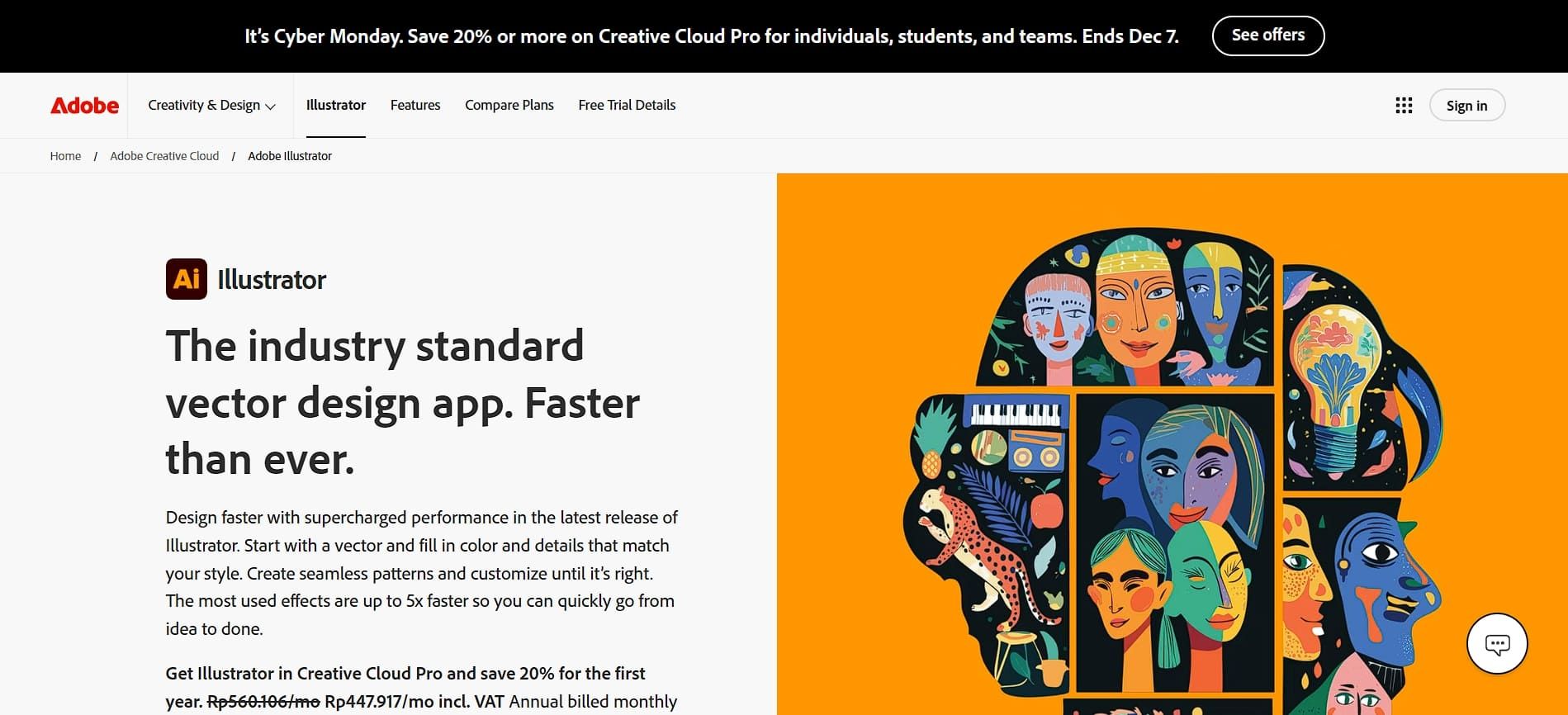
Among many software, people continue to trust Adobe Illustrator as their trusted packaging design software. The reason is that its vector tools let you create scalable logos, adjust typography, and produce detailed graphics without quality loss.
Furthermore, most print shops and manufacturing partners support it, which makes collaboration easier. Besides, the Adobe Sensei AI feature helps speed up tasks, such as shape detection and color separation.
Also Read: CPG Packaging Design Trends and Best Practices for Sales Growth
2. Esko ArtiosCAD
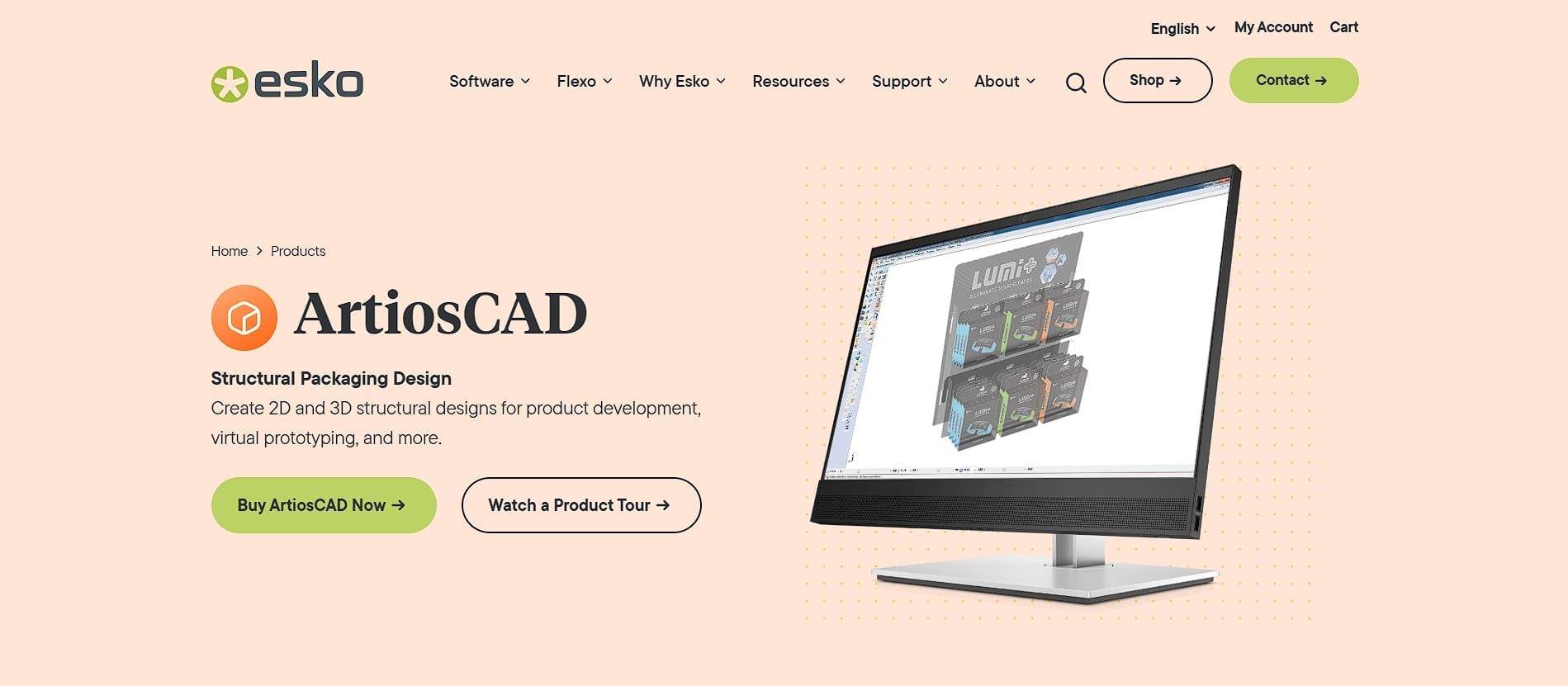
Widely used by engineers and manufacturers who work with complex folding layouts, Esko ArtiosCAD is a common pick for the task. It helps teams create precise prototypes with clean die-lines, folds, and cuts that are ready for cutting tables and production machines.
Additionally, its automatic nesting feature improves material use by reducing waste, and the step and repeat tool speeds up the creation of detailed patterns. Even better, the software also offers a library of more than 3,000 templates for folding boxes, flap boxes, paper bags, and specialty containers.
3. Pacdora
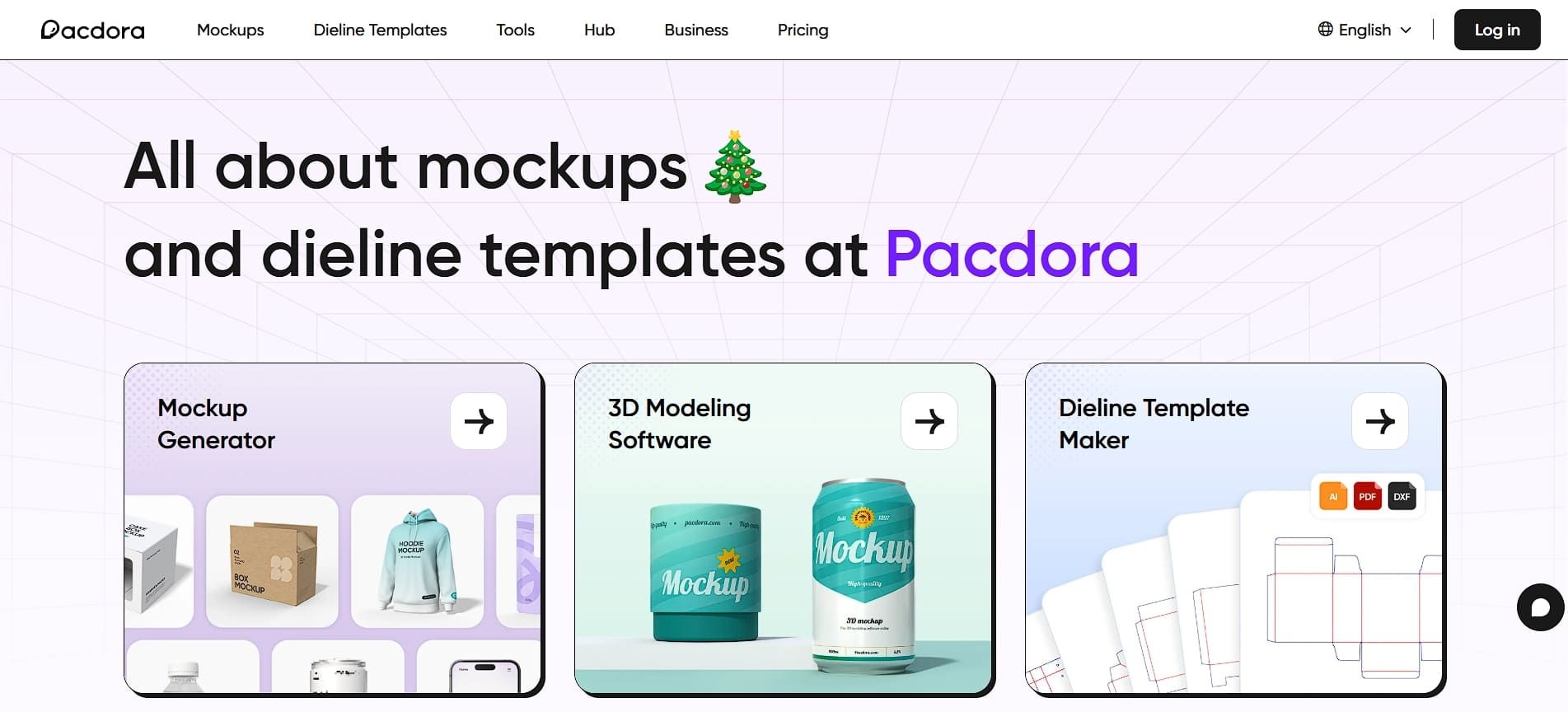
Pacdora is an all-in-one packaging design software that helps you create packaging quickly. With it, you can enter your dimensions, choose a style, and get production-ready files in PDF, SVG, AI, or DXF within minutes. At the same time, its 3D mockup editor lets you preview your artwork on realistic packaging models in real time.
The platform also includes thousands of templates, so you can skip starting from scratch. Moreover, Pandora offers a simple drag-and-drop interface that makes it easy for anyone to use, and its cloud-based setup supports smooth collaboration without any installation required.
4. Adobe InDesign
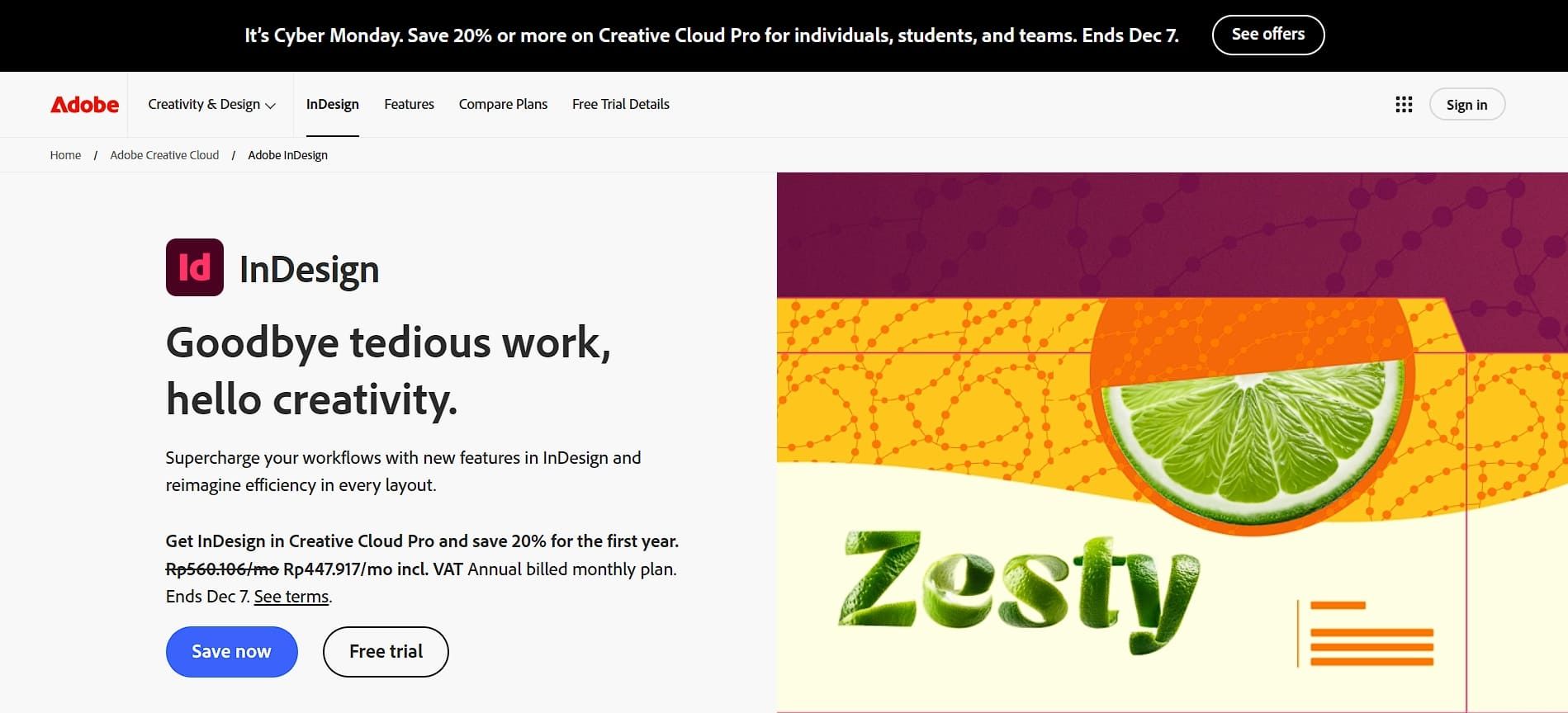
Adobe InDesign works well for multi-page packaging layouts, clean typography, and production-ready files. If users are interested in subscribing, it costs about $22.99 per month through a Creative Cloud subscription.
In particular, its text tools make complex typography easy to manage, while its master pages and styles keep every part of a project consistent. It also integrates smoothly with professional print providers for accurate exports, so the print quality isn’t compromised at all.
Also Read: 10 Steps of How to Design Packaging that Functions and Sells
5. Figma
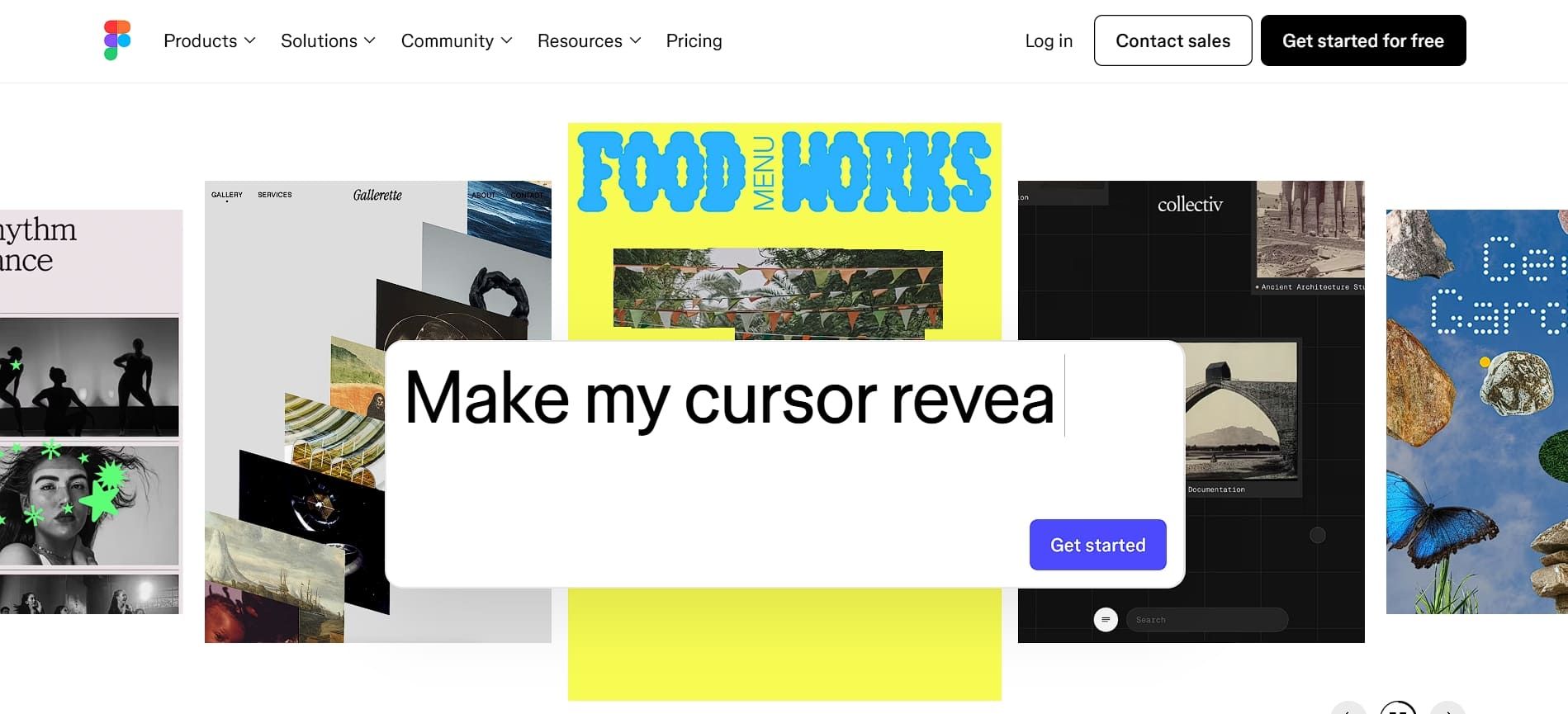
Figma makes packaging design teamwork easy with its unlimited canvas and real-time collaborative editing. Its component libraries are especially valuable, helping teams keep every part of the design consistent and organized.
Not to mention, Figma’s prototyping tools make it easy to collect feedback and improve ideas. Since it runs in the cloud, there is no installation required, and users do not have to worry about losing designs thanks to Figma’s history function.
6. CorelDRAW
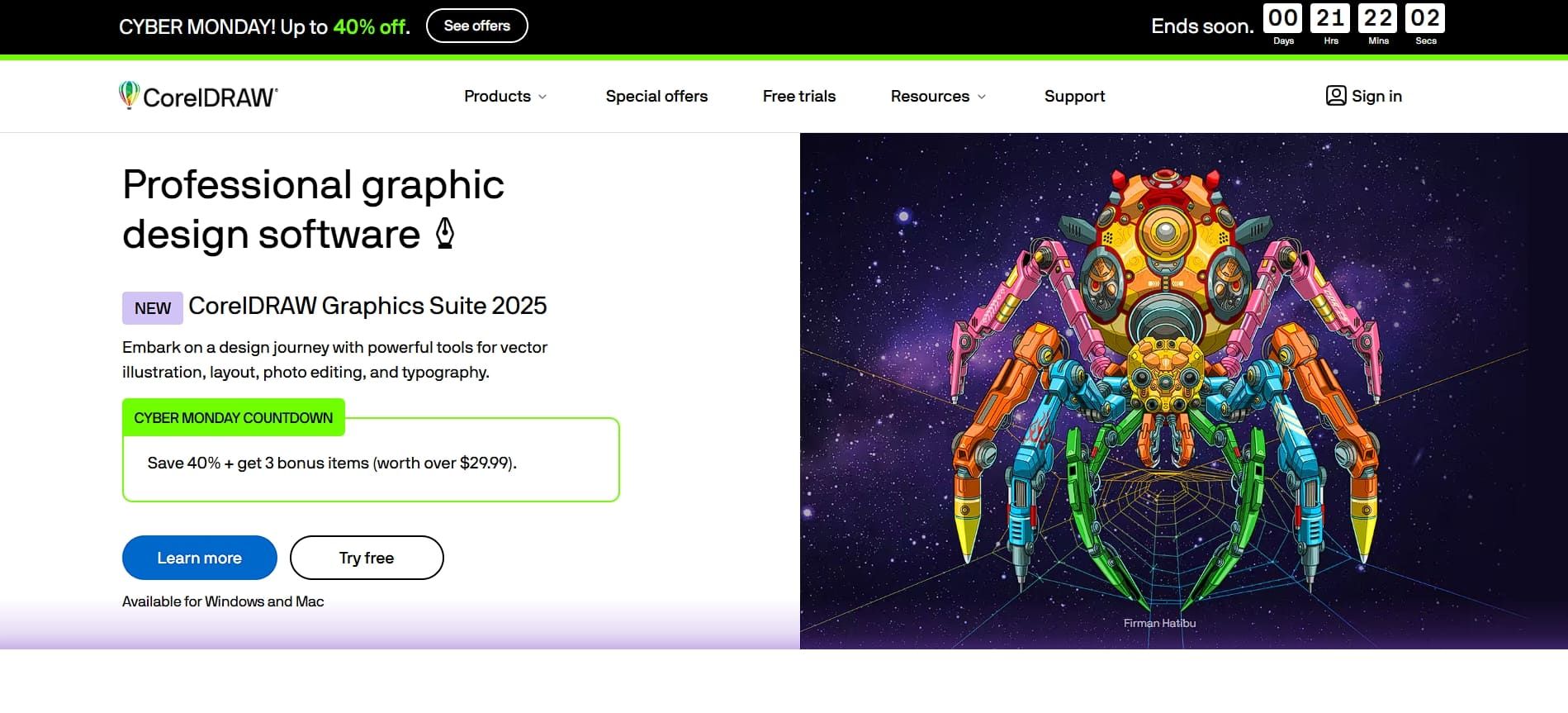
As one of the classic design tools, CorelDRAW offers strong vector editing features and a clean, easy-to-use interface. Its typography controls are more advanced than many competitors, and the ability to build multi-page layouts in a single file makes it ideal for magazines, catalogs, and other structured designs.
It provides dependable color management to keep branding consistent and offers art libraries for easier asset organization. It also supports Adobe file formats, making it simple to switch between programs.
Also Read: 10 Business Growth Strategies for More Revenues and Profits
7. Adobe Dimension
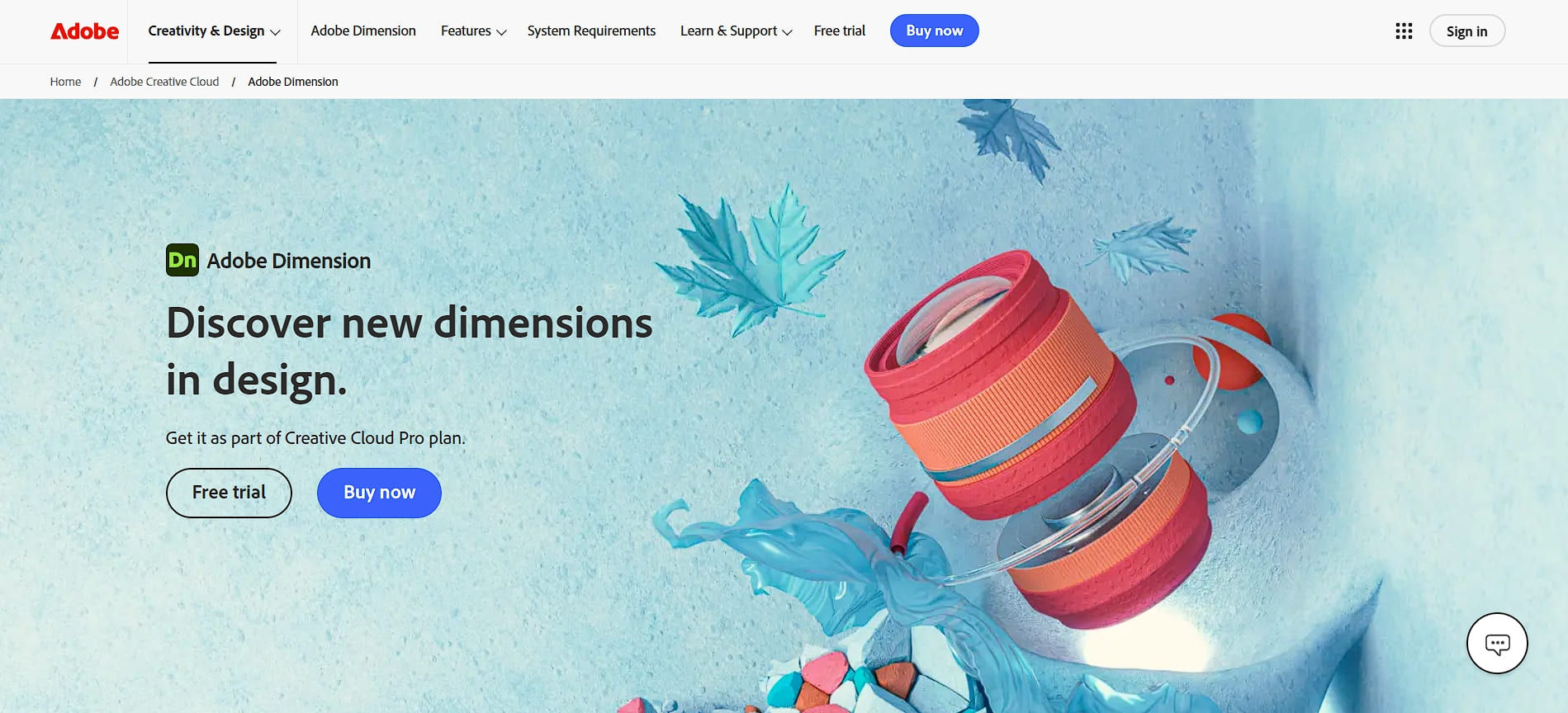
Among the packaging design software you should try in 2025, Adobe Dimension specializes in 3D packaging design and mockup creation. Its ready-made templates for boxes, cartons, and food packaging save time because you do not have to create models from scratch.
Moreover, its realistic material rendering lets you see how your product will look before production. At the same time, you can adjust lighting to create clean, professional product photos and rotate them to see from every angle.
8. Canva
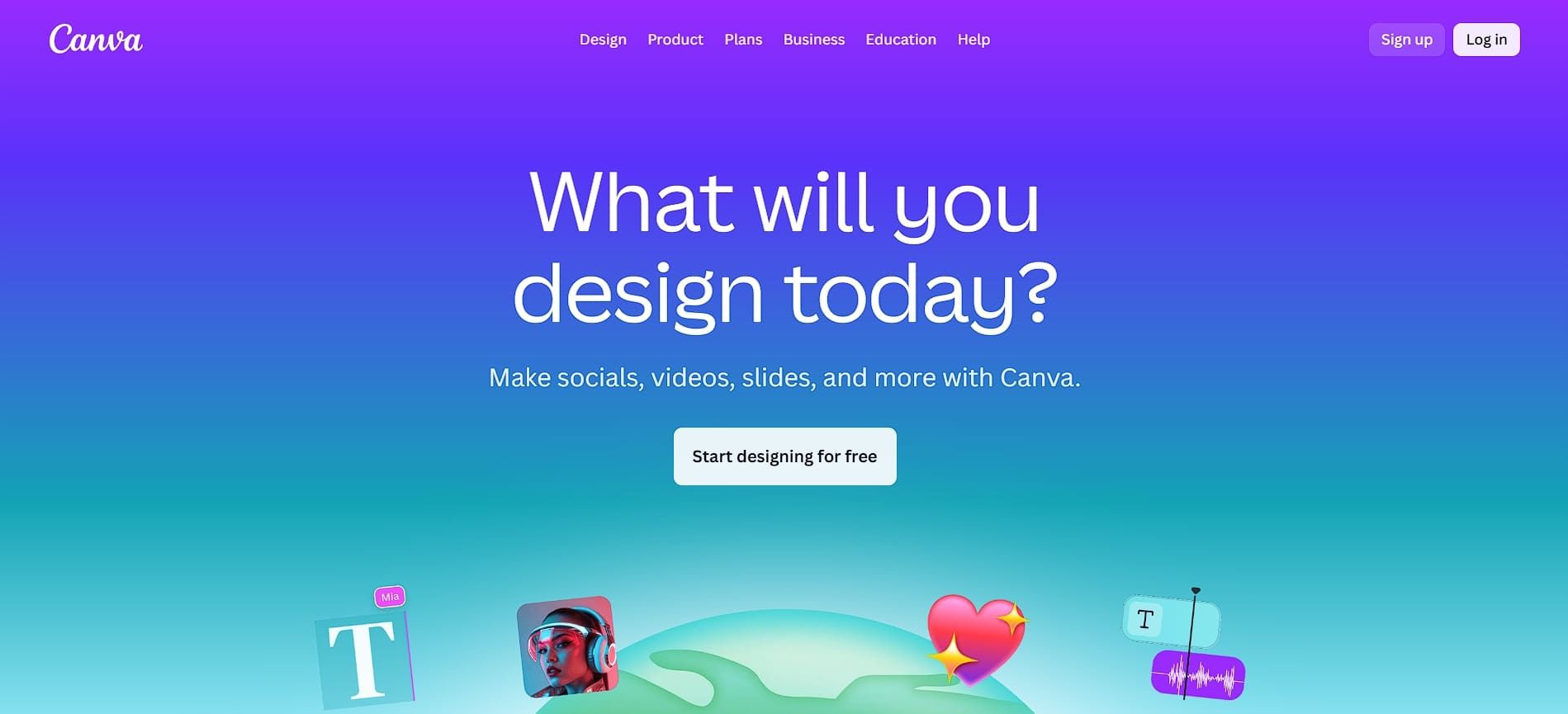
As the all-in-one platform for anything graphic design-related, Canva makes packaging design simple with an easy interface and a large library of templates. Thousands of Canva’s ready-made packaging templates help you start quickly, and you can use its Brand Kit to keep your colors, fonts, and logos consistent.
It also has Magic Studio AI, which can turn text into images, and the built-in print service lets you order designs with bulk discounts. Overall, its free plan already includes many helpful tools, and the learning curve is much easier than with professional software.
Also Read: Top 10 Modern Typography Trends for Designers in 2025
Creating Better Packaging Starts with the Right Tools
In the end, choosing the right packaging design software can make your workflow faster, smoother, and far more creative. With so many tools available, the best option is the one that helps you design confidently, stay organized, and bring your visual ideas to life without unnecessary complexity.
Great packaging also relies on the right typography, and HansCo Studio delivers just that. Their versatile typefaces can make any product package look cleaner, more modern, and more recognizable in a competitive market.