
Navigating the Options: 10 Best Webflow Alternatives
The digital landscape offers various tools for building a high-performance online presence, making it important to find a platform that matches your specific workflow. Webflow bridges the gap between complex development and visual design. However, many users are searching for Webflow alternatives.
According to Search Engine Journals, Webflow currently powers approximately 0.9% of all websites. This means there is a vast market of other solutions that might better serve your unique business objectives.
Finding the right Webflow alternatives is often driven by a need for different pricing models, a gentler learning curve, or specific backend features. This guide explores ten top-tier platforms that provide professional results while catering to diverse technical skills and budget constraints.
Key Takeaways
- People seek alternatives to Webflow primarily due to its steep learning curve, high monthly costs, and specialized designer-focused interface.
- WordPress and Elementor remain the dominant choices for those needing massive plugin ecosystems and ultimate backend flexibility.
- Design-centric users often prefer Framer for its Figma-like experience, while beginners thrive on the simplicity of Wix and Squarespace.
Why Users Seek Webflow Alternatives?
While Webflow offers unparalleled visual control, it is not always the perfect fit for every project or team. Many users begin searching for a different solution when they encounter specific friction points in the platform’s ecosystem.
Common reasons for exploring other platforms include:
- The steep learning curve: Webflow requires a solid understanding of HTML and CSS principles, which can take months to master for non-designers.
- High subscription costs: As sites grow, Webflow’s tiered pricing and per-seat costs can become significantly more expensive than self-hosted options.
- Limited extensibility: Webflow lacks a massive third-party plugin marketplace, making it difficult to add custom backend logic or niche features.
- Design overhead: For simple portfolios or basic blogs, Webflow’s robust tools can feel like “overkill” compared to faster drag-and-drop builders.
Also Read: Visual Powerhouses: Mastering the Webflow vs WordPress Choice
10 Top Alternatives to Webflow
Selecting the best platform depends on whether you value technical freedom, ease of use, or specialized e-commerce capabilities. Here are the industry leaders currently competing for your digital attention.
1. WordPress
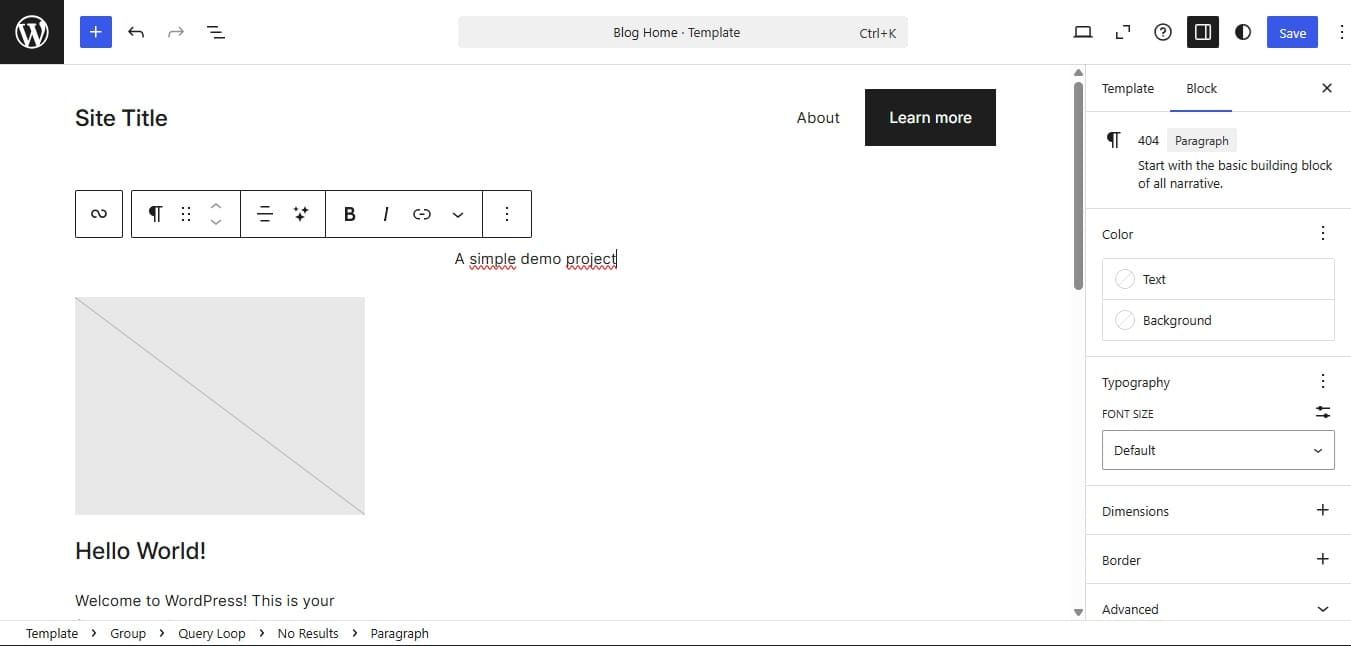
WordPress is an open-source giant that provides total control over every aspect of your website’s development and hosting. It relies on a vast library of over 55,000 plugins to extend functionality for any imaginable project. Consequently, it is the standard for long-term scalability and SEO dominance.
Pros: Unmatched flexibility, massive community support, and lower long-term costs.
Cons: Requires manual maintenance, security monitoring, and a more technical setup process.
Ideal for: Bloggers, large enterprises, and users who want full ownership of their site data.
Price: Free, but users must pay the self-hosting service.
2. Framer
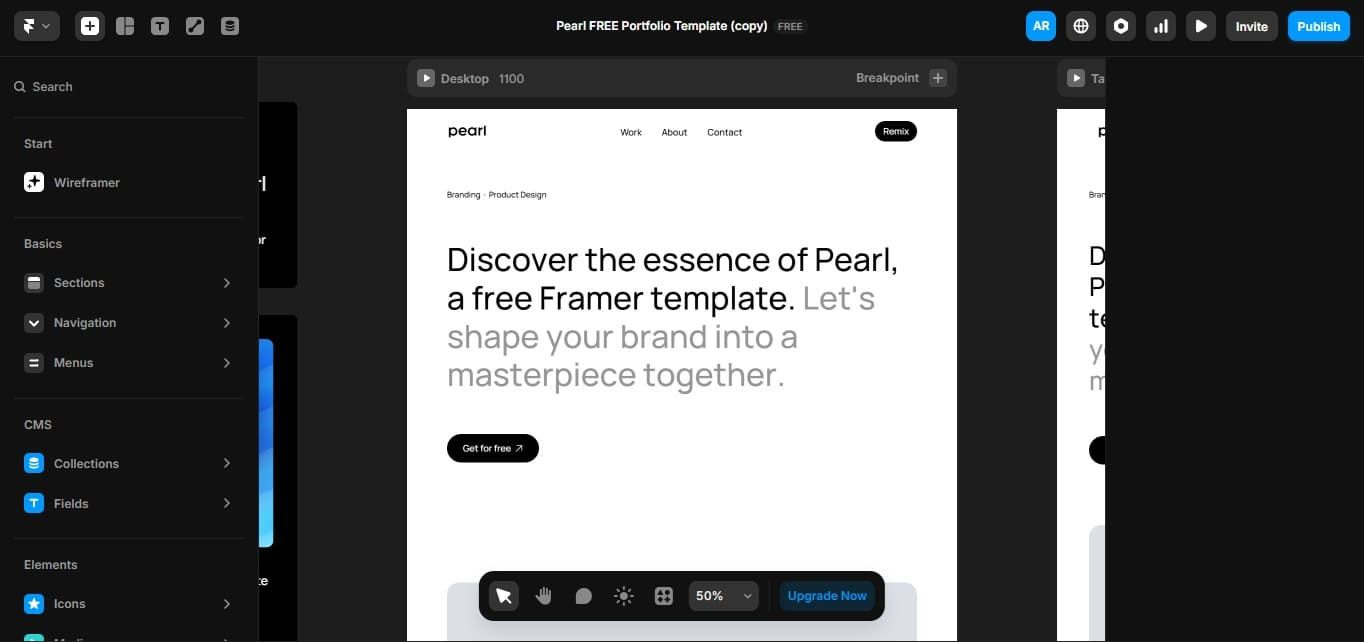
Framer is one of the most popular sites like Webflow because it allows designers to ship professional sites directly from a canvas similar to Figma. It specializes in high-end animations and interactive prototypes that feel incredibly fluid. Additionally, its AI-powered features help generate initial layouts and content almost instantly.
Pros: Exceptional for animations, very intuitive for UI designers, and fast deployment.
Cons: Limited CMS capabilities and fewer third-party integrations compared to Webflow.
Ideal for: Product designers and startups wanting a high-impact, design-driven site.
Price:
- Basic: USD10 per month billed annually.
- Pro: USD30 per month billed annually.
- Scale: USD100 per month billed annually.
3. Elementor
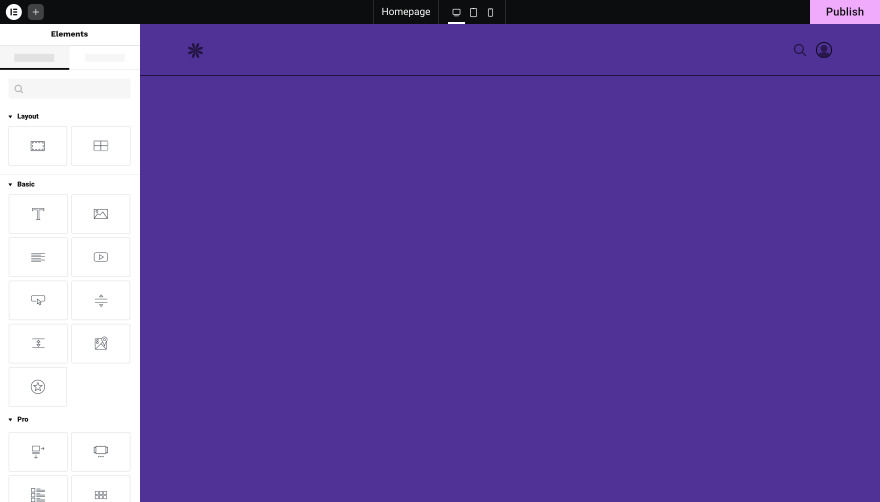
Elementor brings the visual design power of Webflow alternatives into the WordPress ecosystem through a live drag-and-drop builder. It provides granular controls and custom CSS options that satisfy both beginners and advanced developers.
Pros: Powerful visual editor, massive widget library, and works with any WordPress theme.
Cons: Can bloat site code if not optimized and depends heavily on WordPress updates.
Ideal for: Marketing agencies and DIYers who want WordPress power with a visual interface.
Price: Free, often bundled with WordPress in web hosting services.
4. Wix
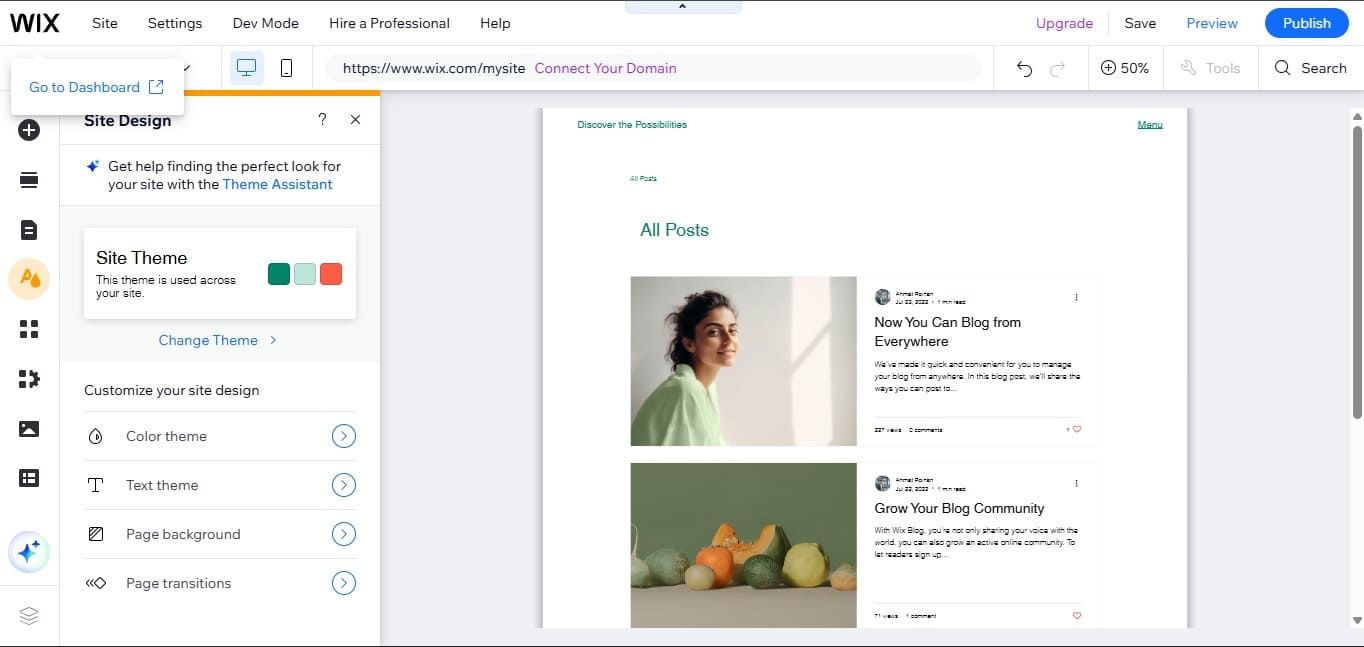
Wix is a professional-grade environment designed for agencies that need advanced layout tools beyond the standard Wix builder. It features responsive AI tools and custom CSS capabilities to compete directly with high-end builders. Additionally, its integrated client management tools simplify the handoff process for freelancers.
Pros: Intuitive drag-and-drop, powerful built-in apps, and excellent SEO automations.
Cons: Can feel cluttered with too many options and has some vendor lock-in.
Ideal for: Professional web designers and agencies looking for a fast, all-in-one workflow.
Price:
- Light: USD7 per month.
- Core: USD29 per month.
- Business: USD39 per month.
- Business Elite: USD159 per month.
Also Read: Elements and Principles of Design for Better Visual Design
5. Squarespace
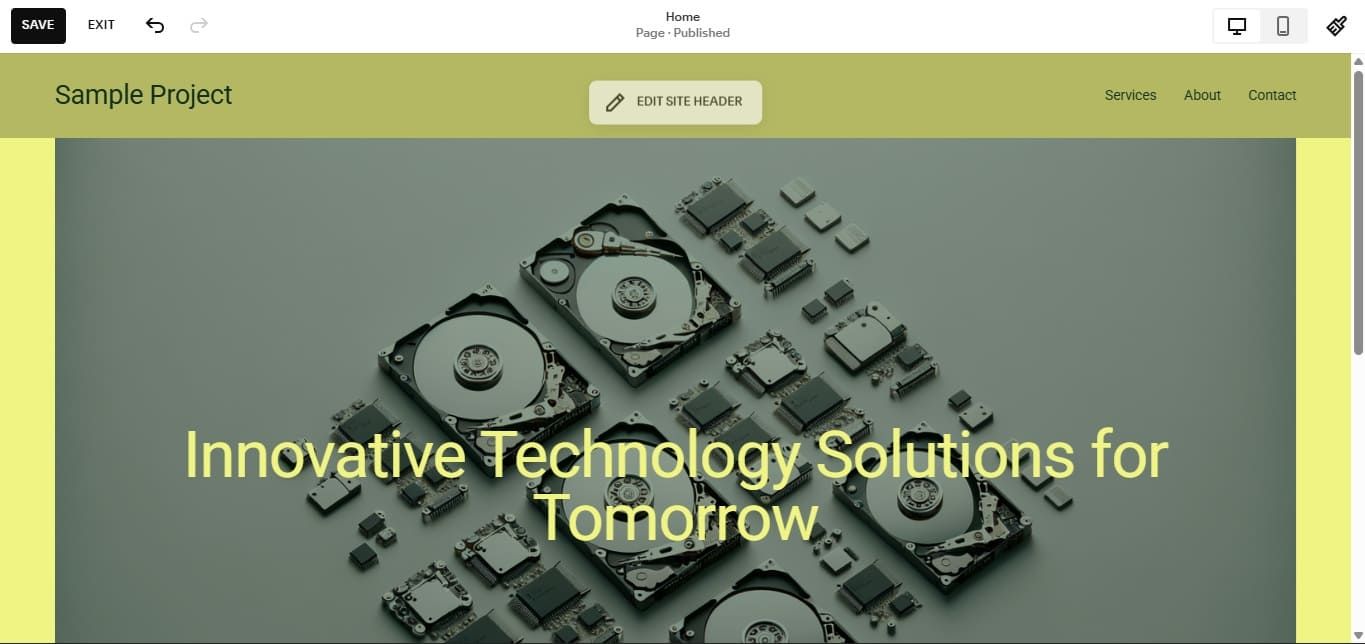
Squarespace is an all-in-one platform that prioritizes beautiful, template-based design and extreme ease of use. It handles all hosting, security, and maintenance automatically within its closed ecosystem. Consequently, it is the most reliable choice for users who want a polished site without any technical headaches.
Pros: Stunning templates, simplified all-in-one billing, and great mobile responsiveness.
Cons: Restricted design freedom and limited advanced SEO controls compared to Webflow.
Ideal for: Creatives, small business owners, and photographers.
Price:
- Basic: USD16 per month billed annually.
- Core: USD23 per month billed annually.
- Plus: USD39 per month billed annually.
- Advanced: USD99 per month billed annually.
6. Bubble
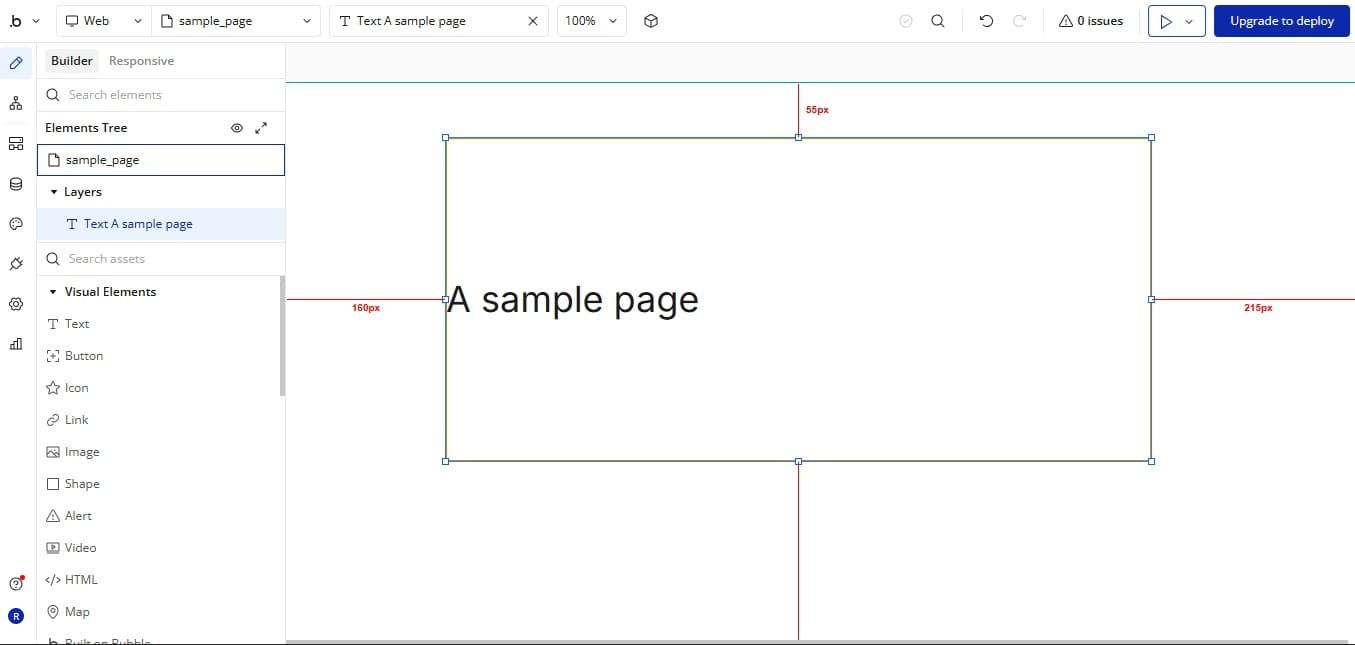
Bubble is the leading Webflow alternatives for those who need to build complex, data-driven web applications without code. While Webflow is primarily for visual websites, Bubble allows you to build full-scale platforms with custom user logic and database connections.
Pros: Advanced backend logic, integrated database, and infinite workflow customization.
Cons: Very steep learning curve, and performance can lag on extremely complex sites.
Ideal for: Startup founders and developers building interactive web apps.
Price:
- Free.
- Starter: USD59 per month billed annually.
- Growth: USD209 per month billed annually.
- Team: USD549 per month billed annually.
- Enterprise: Talk to sales.
7. Shopify
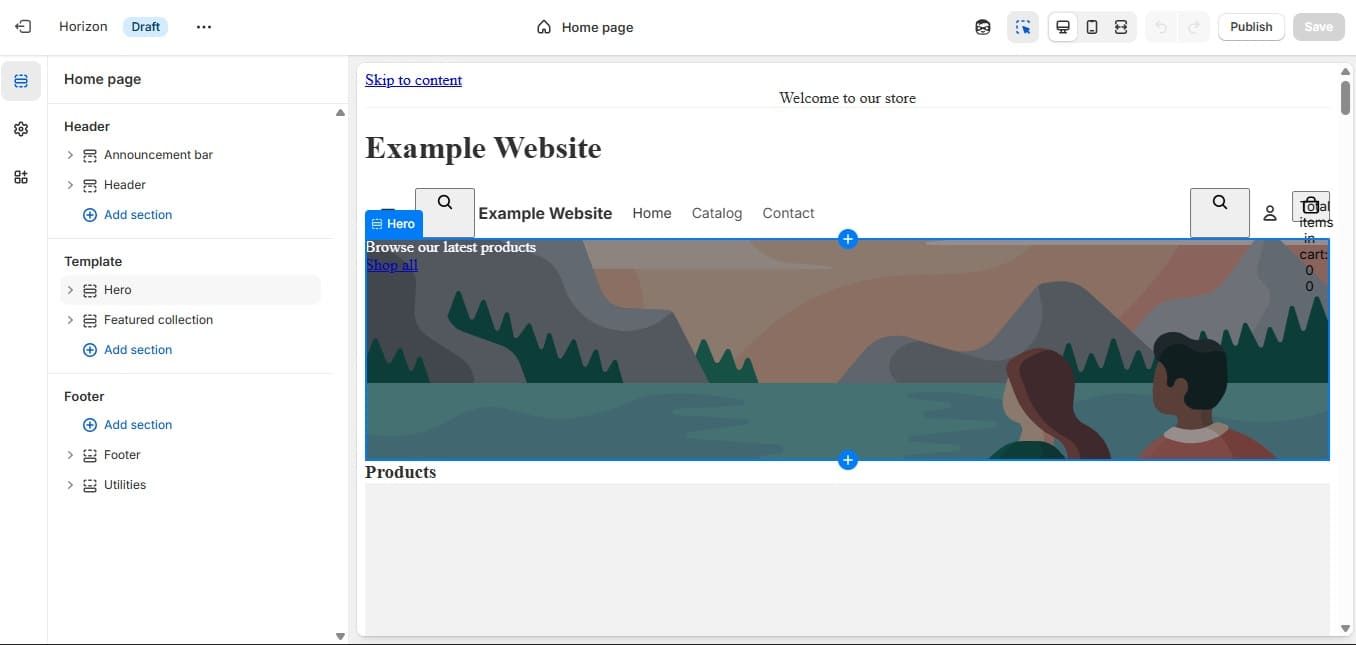
Shopify is the gold standard for e-commerce, offering a platform designed from the ground up for online sales. Unlike Webflow’s e-commerce, which is an add-on, Shopify provides deep inventory management, POS integration, and advanced marketing analytics. This focus makes it the most scalable option for retail businesses.
Pros: World-class e-commerce tools, massive app marketplace, and easy payment processing.
Cons: Limited design flexibility within themes and high transaction fees on some plans.
Ideal for: Serious retail brands and e-commerce entrepreneurs.
Price:
- Basic: USD19 per month billed annually.
- Grow: USD49 per month billed annually.
- Advanced: USD299 per month billed annually.
- Plus: USD2300 per month billed annually.
Also Read: Top 7 Graphic Design Best Software for 2026 for Designers
8. Carrd
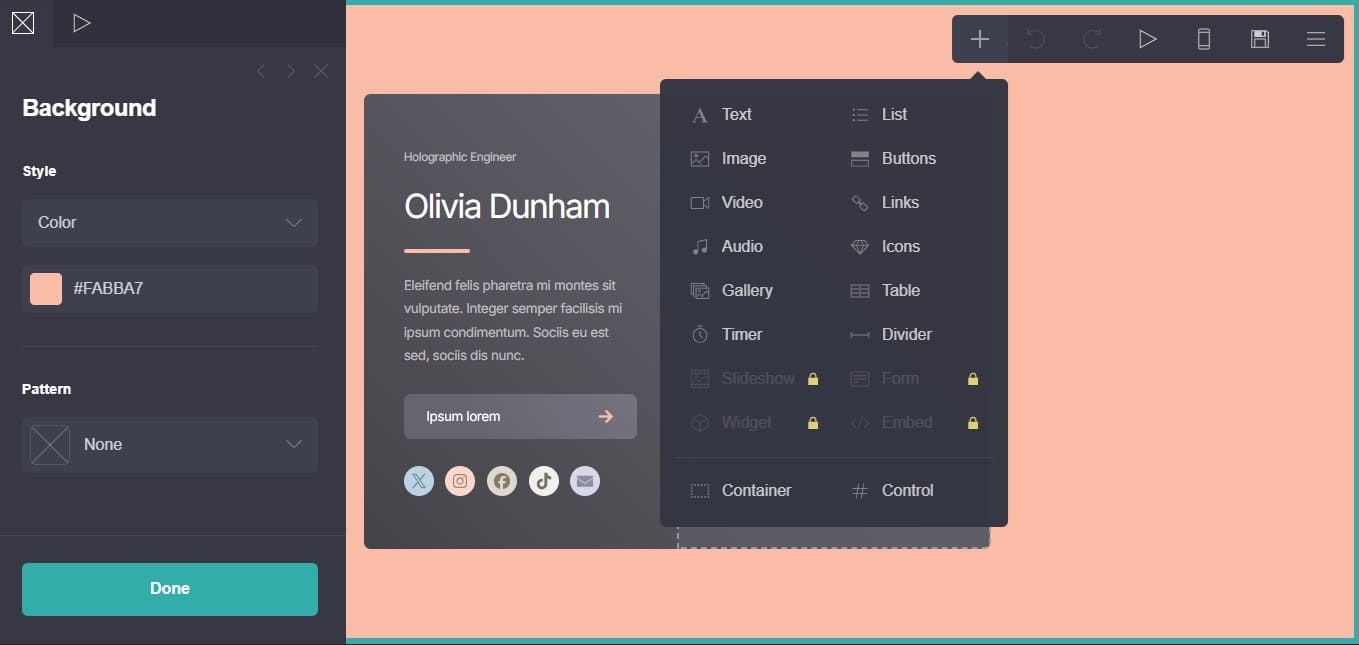
Carrd is recognized as one of the best Webflow alternatives for simple, one-page websites and personal profiles. It is incredibly affordable and allows users to launch a responsive landing page in a matter of minutes. This is the ideal tool for those who find Webflow’s feature set too complex for a basic project.
Pros: Extremely low cost, very fast setup, and perfectly mobile-responsive.
Cons: Only supports one-page sites and lacks any advanced CMS or blog features.
Ideal for: Freelancers and marketers needing quick landing pages or resumes.
Price:
- Free.
- Pro: USD19 per year.
9. Dorik
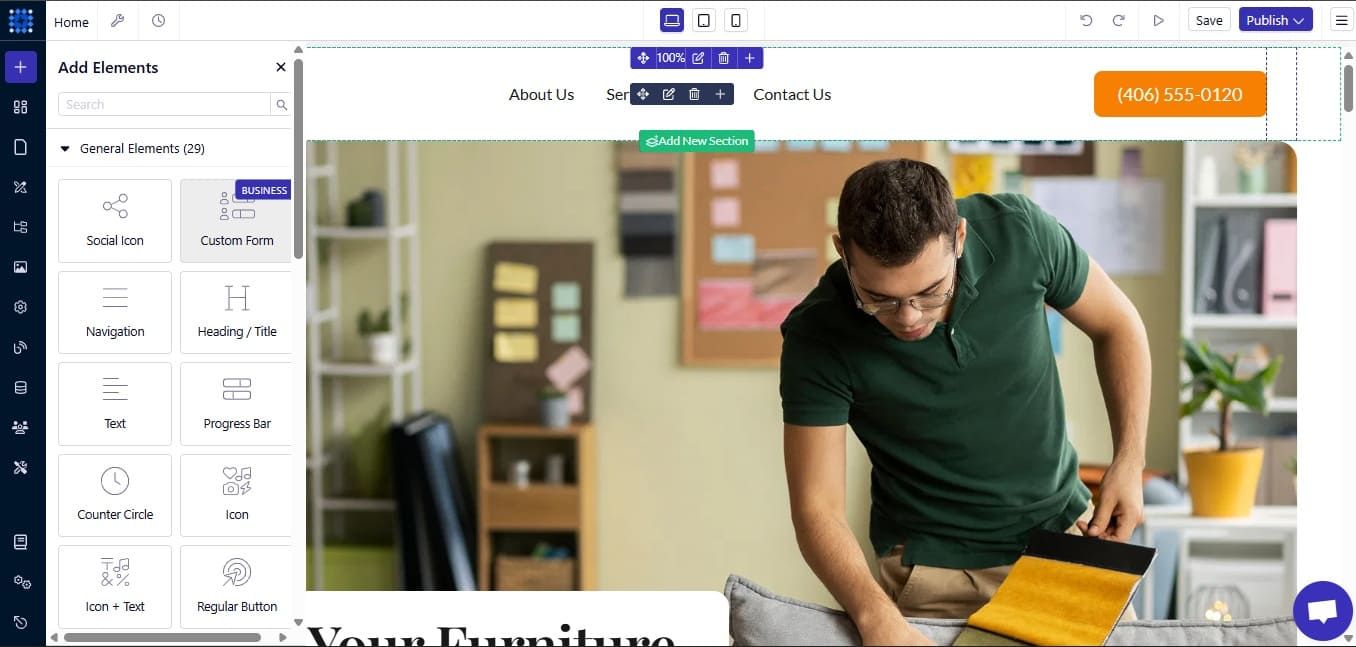
Dorik is a modern no-code builder that balances design flexibility with a much easier interface than Webflow. It offers a wide range of pre-built UI blocks and templates that allow for rapid site construction. This platform is one of the emerging Webflow alternatives that focus on providing a “middle ground” for professional designers.
Pros: Budget-friendly, intuitive builder, and supports paid memberships natively.
Cons: Smaller community and fewer third-party integrations than older competitors.
Ideal for: Small businesses and creators looking for a fast, modern website builder.
Price:
- Personal: USD29 per month.
- Business: USD59 per month.
- Agency: Tailored pricing.
10. HubSpot CMS
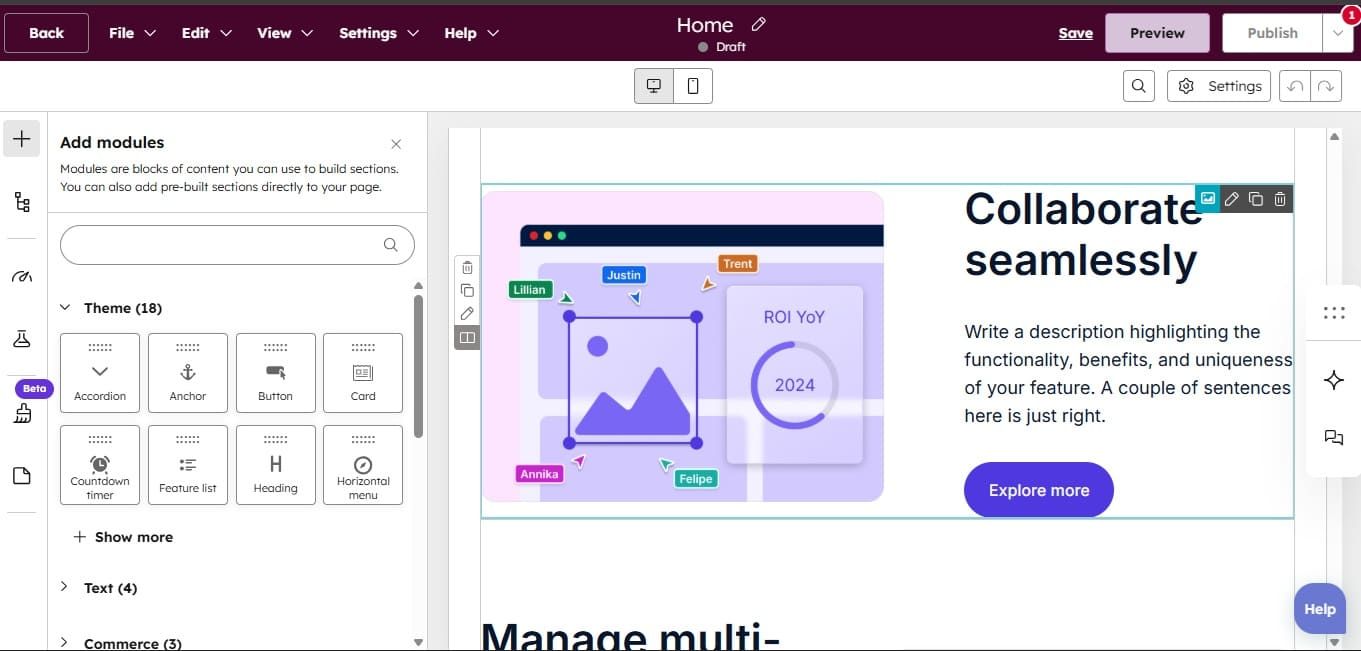
HubSpot CMS integrates your website directly into a powerful marketing and CRM platform. It is designed for businesses that want their website to be a central hub for lead generation and customer data. This integration allows for advanced features like adaptive testing and personalized content delivery.
Pros: Seamless CRM integration, built-in A/B testing, and excellent security.
Cons: High entry price for premium features and less design freedom for custom visuals.
Ideal for: Marketing teams and B2B companies focused on lead generation.
Price: Free.
Also Read: Graphic Design Trend 2026: 10 Visual Creativity Trends to Watch
Finding Your Perfect Webflow Alternatives
Mastering the search for Webflow alternatives is about aligning your platform choice with your team’s technical ability and project requirements. Whether you choose the open-source freedom of WordPress or the design-centric canvas of Framer, the goal is to build a fast, secure, and engaging digital home.
However, even the most advanced technical foundation requires a polished visual presentation to truly succeed. Your website’s typography is the primary bridge between your brand and your audience, dictating how your message is perceived. Inconsistent or generic fonts can weaken your brand’s authority.
To ensure your brand looks authoritative, you need high-quality typography that reflects your professional standards. HansCo Studio offers a specialized library of premium fonts designed to deliver maximum legibility and style on any web platform.
These typefaces are optimized for modern web environments, helping your landing pages and digital branding stand out. Elevate your website’s visual impact by exploring the professional premium font collections at HansCo Studio.