
Visual Powerhouses: Mastering the Webflow vs WordPress Choice
Selecting the right foundation for your digital presence is a critical decision for any brand. Webflow vs WordPress represents two of the most popular platforms, yet they offer fundamentally different philosophies for website creation.
According to Search Engine Journal, WordPress currently powers 43.3% of all websites, while Webflow holds a 0.9% usage. This comparison is vital for businesses, freelancers, and creators who need a platform that matches their technical skill and project goals.
Whether you prioritize a vast ecosystem of plugins or pixel-perfect visual control, understanding these differences is key. This guide explores ten critical distinctions to help you determine which platform will truly elevate your digital strategy.
Key Takeaways:
- WordPress is a versatile, open-source giant ideal for large-scale content sites and massive plugin ecosystems.
- Webflow offers unparalleled visual design freedom, allowing creators to build custom layouts and animations without writing code.
- The choice between them depends on whether you value high-level customization or a simplified, all-in-one hosting and security model.
What Is Webflow?
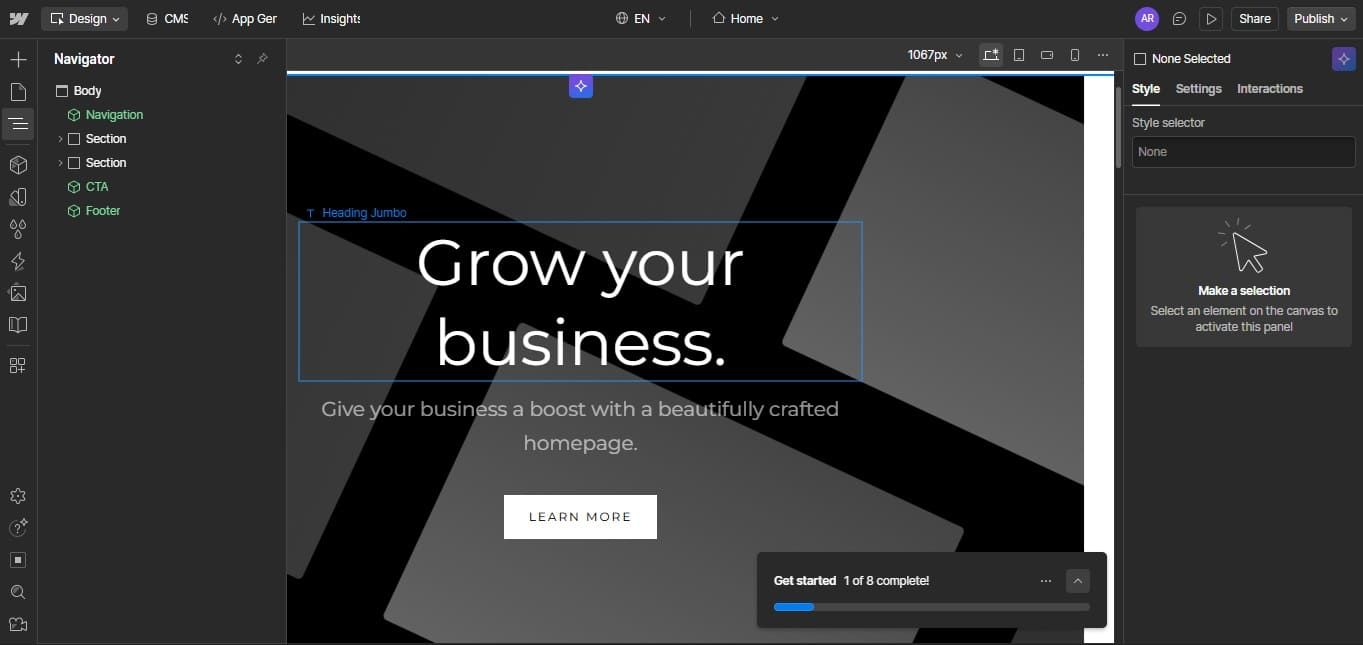
Webflow is a modern, all-in-one visual website builder that combines design, content management, and hosting into a single platform. It allows users to “draw” their website on a visual canvas while the system automatically generates clean, semantic HTML and CSS code.
What Is WordPress?
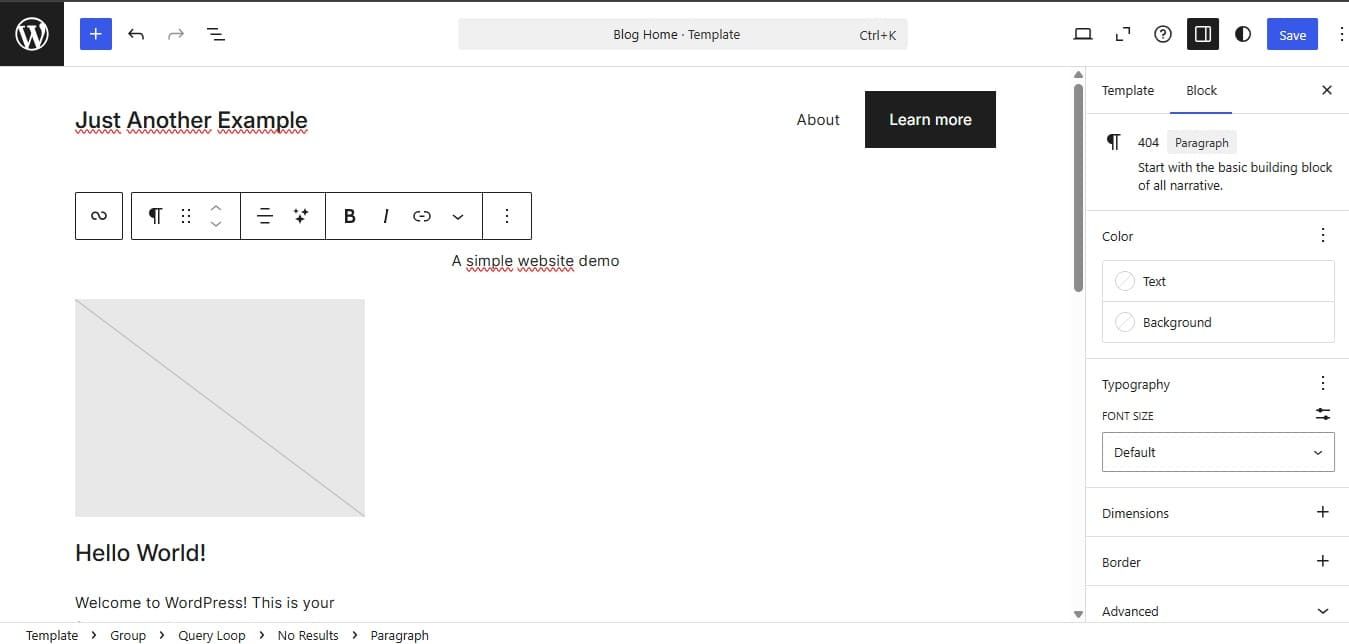
WordPress is a legendary, open-source content management system (CMS) that has dominated the web for over two decades. It offers extreme flexibility through a massive library of over 59,000 plugins and 11,000 themes.
While it requires self-hosting and manual updates, its maturity makes it a go-to for Webflow vs WordPress comparisons involving complex e-commerce or massive blogs.
Also Read: Elements and Principles of Design for Better Visual Design
10 Key Differences Between Webflow and WordPress
Understanding the technical and operational gaps between these platforms is essential for long-term project success. Here is how they compare across the most critical development pillars.
1. Design Freedom and Control
Webflow provides a pixel-perfect visual editor that functions like a design tool for the live web. It allows for granular control over every element and interaction without the constraints of a template. WordPress relies heavily on themes and page builders like Elementor, which can sometimes feel more restricted or bloated.
2. Ease of Use and Learning Curve
WordPress is generally easier for absolute beginners to launch a basic site quickly due to its intuitive, theme-based setup. Webflow has a steeper learning curve, requiring an understanding of web design principles like the box model and CSS.
3. Plugin and Extension Ecosystem
WordPress wins on sheer volume, offering a plugin for almost any functionality imaginable. This vast library allows for extreme customization, though it requires careful management to avoid conflicts. Webflow includes most core features natively, reducing the need for third-party extensions in the Webflow vs WordPress battle.
4. Hosting and Performance
Webflow includes high-performance hosting on the Amazon Web Services (AWS) global infrastructure as part of its subscription. Its code is inherently clean and unbloated, leading to faster out-of-the-box speeds. WordPress performance depends heavily on your choice of hosting provider and how well you optimize your plugins.
5. Security and Maintenance
Webflow manages all security updates and backups directly, offering a closed ecosystem that is less vulnerable to common hacks. WordPress requires users to manually update their core software, themes, and plugins to stay secure.
6. SEO Capabilities
Webflow provides powerful, built-in SEO tools like automatic sitemap generation and 301 redirects right in the settings. These features are streamlined for users who want to avoid the “plugin jungle” common in other platforms.
WordPress is still an SEO powerhouse, but it often requires third-party plugins like Yoast or RankMath for advanced control in the Webflow vs WordPress matchup.
Also Read: 10 Integrated Marketing Campaign Examples with Success Stories
7. Content Management System (CMS)
WordPress remains the industry standard for content-heavy sites, especially blogs with multiple contributors. Its CMS is mature and highly scalable for sites with millions of pages. Webflow’s CMS is more design-centric, allowing creators to build dynamic content structures visually with a clean editor for clients.
8. E-commerce Features
WordPress, through WooCommerce, is better for complex, large-scale e-commerce operations that need deep customization. It is the most widely used e-commerce plugin globally, offering endless scaling options.
Webflow e-commerce is perfect for mid-size, visually driven stores that value design and speed over massive inventory management.
9. Cost and Pricing Structure
WordPress has lower upfront costs since the core software is free, but premium themes and plugins can add up. You also must pay separately for hosting and domain registration.
Webflow uses a subscription model that includes hosting, but costs can rise significantly for large projects in the Webflow vs WordPress cost analysis.
10. Community and Support
WordPress has a massive, global community of millions of users, developers, and forums for troubleshooting. You can find an answer to almost any problem with a quick search. Webflow offers dedicated customer support and a high-quality learning platform called Webflow University, though its community is smaller.
Also Read: Top 7 Graphic Design Best Software for 2026 for Designers
When to Choose Your Platform
Choosing between these giants depends entirely on your specific project needs and long-term business goals.
Choose Webflow if you want:
- Pixel-perfect visual design control without writing code.
- A fast, all-in-one hosting and security solution.
- Clean, SEO-optimized code right out of the box.
- A platform that eliminates the need for manual plugin updates.
Choose WordPress if you need:
- A massive, content-heavy blog with many contributors.
- Access to thousands of specialized plugins for unique features.
- Extreme scalability for enterprise-level projects with millions of pages.
- A lower initial cost with a wider selection of affordable themes.
Also Read: Graphic Design Trend 2026: 10 Visual Creativity Trends to Watch
Webflow vs WordPress: Which One Is Better?
Mastering the Webflow vs WordPress decision is the first step toward a successful online identity. Both platforms provide the power to create professional digital experiences that drive growth. Your choice defines how you will manage your content and brand story in the years to come.
However, a great technical foundation is only part of the equation for brand credibility. The visual soul of your website, particularly its typography, determines how visitors perceive your professionalism and trust. Inconsistent or generic fonts can undermine even the most beautifully designed layout.
To ensure your digital presence looks truly authoritative and unique, you need high-quality typography that reflects your brand’s character. HansCo Studio provides a specialized library of premium fonts designed for modern digital environments.
These typefaces are engineered for maximum legibility and visual impact on both Webflow and WordPress. Elevate your brand’s visual identity by exploring the professional premium font collections at HansCo Studio.